
CSS Hat 2 is a plugin which is a fantastic addition to my workflow. It’s mainly useful when it comes to copy “gradient” or “box-shadow” style from design to code. No more adjusting code with your intuition. Now you get exact code for use!
Working Principle
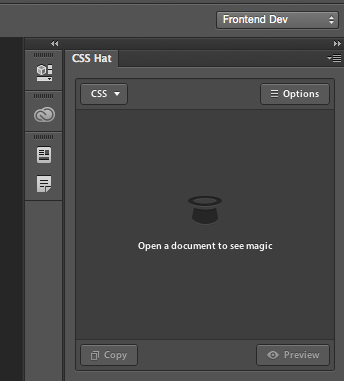
After plugin installation you’ll find the new Photoshop panel where CSS code will be generated.
To see the plugin in action you have to open PSD file with the website layout and choose any layer. In the blink of eye plugin will generate corresponding CSS code. You can observe example of use on the graphic below:
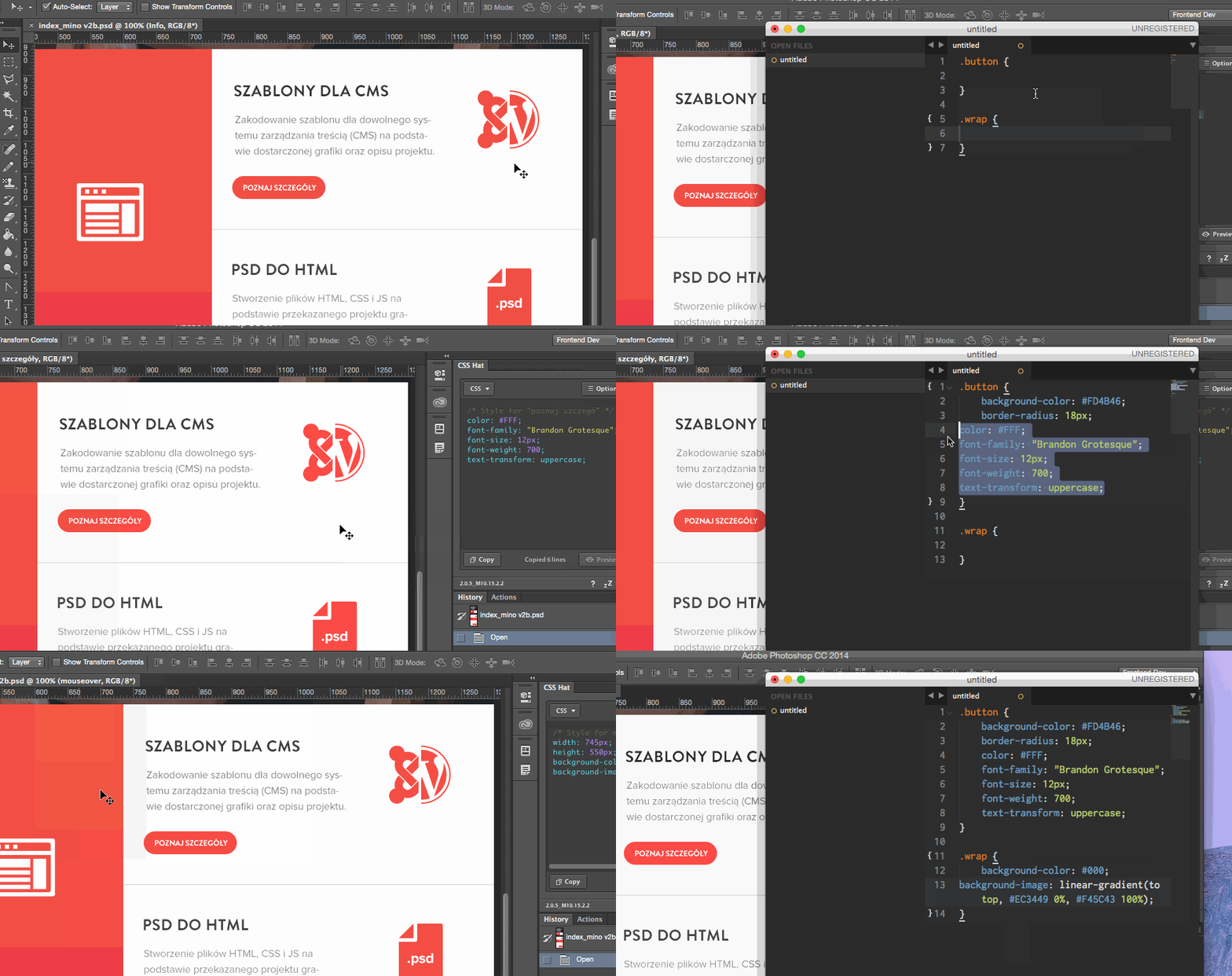
As you can see it can save you a lot of time during the development and we we all know time is money. In most cases I’m using this tool for:
- text styles (size, weight, shadows);
- background colors (solid color or gradients);
- layer shadow;
- layer size;
- border radius value.
Additional CSS Hat 2 options
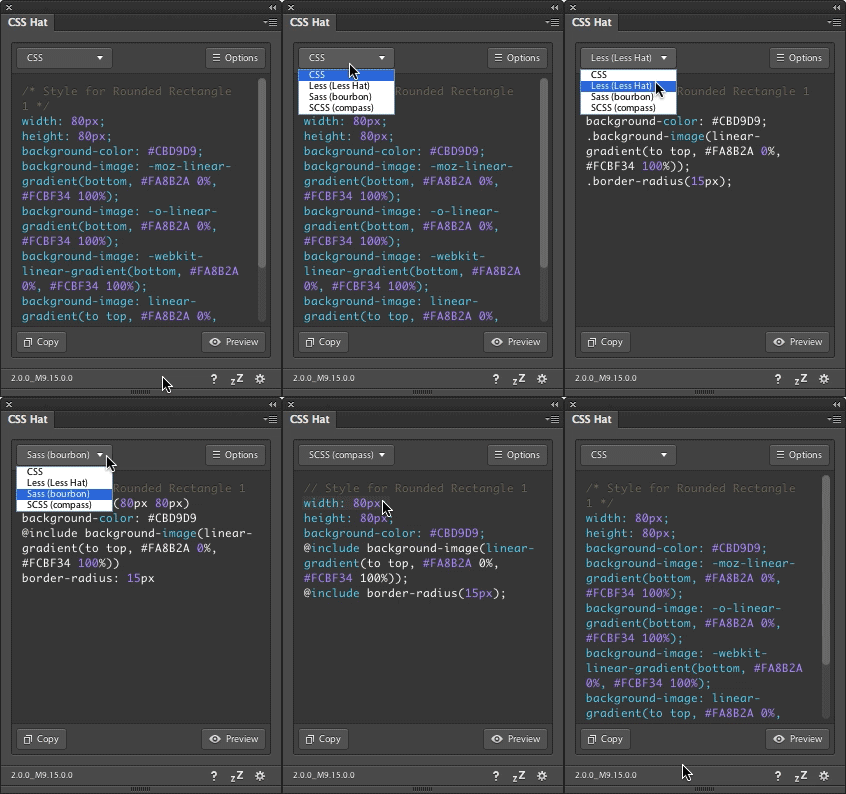 Besides basic features we can also turn on browser prefixes (e.g display: -webkit-flex).
Second really interesting option is a code generator for Sass/Less/Stylus preprocessors. With this option enabled generated code is much more simple, however it requires additional file with special mixins in yout project. Don’t forget about that or it will fail.
These two options are good for novices. However if you are more advanced developer I recommend using Autoprefixer in your projects instead.
Summary
I higly recommend CSS Hat 2 as a part of your workflow. This plugin can save many precious minutes during the day which may be used for faster project completion. It’s always worth to fight for better productivity level in your work.